
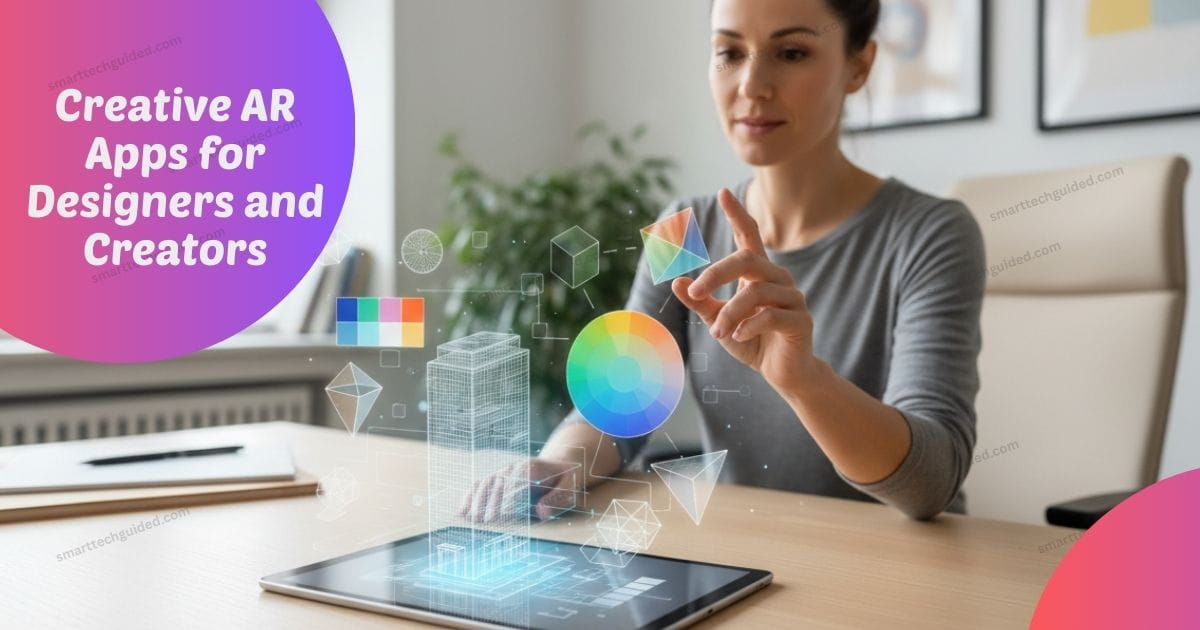
Creative AR apps are revolutionizing the way designers and content creators bring their ideas to life. Instead of working on flat screens or static layouts, these apps allow you to build, draw, and test designs in real world space. Whether you are a graphic designer, digital artist, or content creator, creative AR apps let you experiment freely, visualize concepts clearly, and showcase your work in ways that stand out. Many AR design apps now run directly on smartphones, so you don’t need expensive headsets or complex setups to start creating even AR can bring improvement in education sector too as it bring a hug impact in any industry not only in Designer industry.
From sketching 3D concepts to prototyping interactive experiences, these apps streamline workflows and save valuable time. By combining intuitive tools, realistic previews, and easy sharing options, creative AR apps are helping professionals and beginners alike elevate their work. If you want practical, hands on AR fun tools that improve creativity and productivity, exploring these apps is a must.
What Are Creative AR Apps and Why Designers Use Them
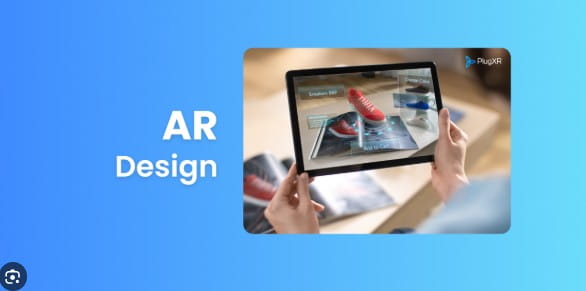
Creative AR apps are tools that let designers create, preview, and share augmented reality content using phones or tablets. These AR design apps overlay digital elements onto the real world, helping creators visualize ideas before final production.
Designers use creative AR apps because they reduce guesswork. Instead of imagining how a design might look in real space, you can see it instantly. AR content creation apps also improve communication with clients, since ideas become easier to understand. From branding mock ups to interactive art, AR creative tools support faster decisions and better results.
AR Design Apps for Visual Prototyping and Layout Testing
Creative AR apps are essential for designers who want fast, accurate feedback on their work. With AR design apps, you can place digital layouts directly into real-world environments, instantly seeing how scale, spacing, and placement feel in context. This hands-on approach helps designers spot issues early and make smarter decisions without guessing. Using AR content creation apps for prototyping also saves time and reduces the need to rebuild lockups repeatedly.
Many AR creative tools are mobile-friendly, allowing you to adjust designs on the spot during client meetings, presentations, or team reviews. This flexibility ensures your ideas are clear, interactive, and easy to share, whether you’re working on a small project or a large-scale design. By integrating creative AR apps into your workflow, designers can prototype faster, improve accuracy, and elevate the overall quality of their visual projects.
How AR Prototyping Apps Improve Design Accuracy
Creative AR apps are vital for designers who need fast, accurate feedback. With AR design apps, you can place digital layouts into real-world spaces, instantly checking scale, spacing, and placement. This approach reduces guesswork and saves time by eliminating the need to rebuild mockups repeatedly.
Many AR content creation apps are mobile friendly, letting you adjust designs on the spot during client meetings or presentations. By using creative AR apps, designers can prototype efficiently, improve visual accuracy, and communicate ideas clearly, making projects more interactive, professional, and easier to share with teams or clients.
Key benefits include:
- Better sense of scale and proportion
- Faster design validation
- Fewer revisions after approval
- Clearer client feedback
Tools like Adobe Aero AR and other AR prototyping apps allow designers to build interactive scenes without coding. This makes creative AR apps useful even for beginners who want professional results.
AR Drawing and Art Apps for 3D Creativity
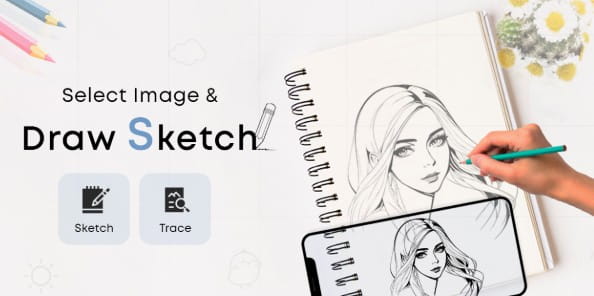
AR drawing apps are increasingly popular among artists who want to create in three dimensions. These creative AR apps let you draw directly in augmented reality space, transforming simple sketches into immersive, interactive artwork. AR content creation apps are perfect for concept art, installations, and digital storytelling, allowing ideas to come to life in ways traditional paper or screen-based tools cannot.
Many designers and artists use AR creative tools to experiment with shapes, perspectives, and movement, making it easier to visualize complex concepts. By working in AR, creators can explore ideas more freely and communicate them more effectively.Creating Art with AR Drawing Apps
Using AR drawing apps allows artists to draw in real space. Instead of a flat canvas, your surroundings become part of the artwork.
Popular features include:
- Drawing in mid-air using phone screens
- Creating 3D sketches and objects
- Viewing artwork from multiple angles
- Saving and sharing AR scenes
These creative AR apps help artists experiment freely. Even without advanced skills, AR drawing apps encourage creativity and exploration.
AR Apps for Designers Without Headsets
Many creative AR apps now work without headsets, making augmented reality accessible to everyone. Phone-based AR apps use built-in cameras and sensors to display AR content directly on your device screen. AR design apps without headsets are perfect for designers who want fast, practical results without investing in expensive hardware.
These AR content creation apps are intuitive, flexible, and easy to learn, allowing creators to prototype, sketch, or showcase work anytime, anywhere. By using creative AR apps without headsets, designers can bring ideas to life quickly while keeping workflows simple and efficient.Why Phone-Based AR Apps Are Popular
Phone based creative AR apps are popular because they remove barriers. Designers can work anywhere, anytime.
Advantages include:
- No extra equipment needed
- Easy sharing with clients
- Quick setup and learning
- Wide compatibility
These AR creative tools make AR more practical for everyday design work.
Best Creative AR Apps for Content Creation Projects
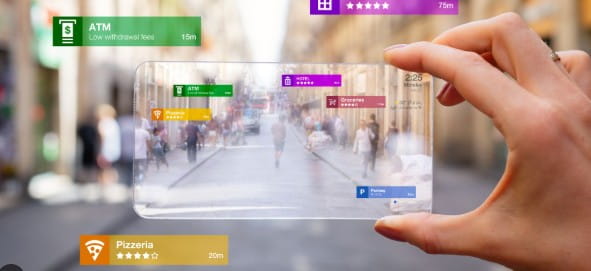
Creative AR apps are not just for designers they are powerful tools for content creators too. AR content creation apps let creators build interactive stories, 3D product visuals, and social media filters that grab attention. These apps add depth and interactivity to videos, posts, and digital campaigns, making content more engaging and memorable.
Many brands now use creative AR apps to increase engagement and showcase products in real-world environments. Mobile-friendly and easy to use, these apps allow creators to prototype, edit, and share content quickly. With creative AR apps, content becomes immersive, interactive, and audience-focused
How AR Content Creation Apps Boost Engagement
AR content creation apps transform static content into interactive experiences. Instead of passively watching, viewers can explore, engage, and interact with digital elements in real-world environments. These creative AR apps make storytelling, videos, and social media posts more immersive, memorable, and engaging for audiences.
Benefits include:
- Higher audience engagement
- Unique visual experiences
- Better storytelling
- Stronger brand impact
Creative AR apps give creators new ways to connect with audiences in meaningful ways.
Common Mistakes Designers Make with Creative AR Apps
While creative AR apps are powerful, missteps can reduce their effectiveness. Some designers get caught up in flashy effects and forget usability. Common mistakes include:
- Overloading designs with visuals: Adding too many elements can confuse viewers and dilute the main message. Effective AR design balances creativity with clarity, ensuring users can focus on the core idea without distraction.
- Ignoring real-world lighting and space: Neglecting environmental context can make AR elements look unrealistic or misaligned. Designers should test AR content in real settings to ensure proper scale, shadows, and placement for a natural, immersive experience.
- Skipping user testing: Failing to gather feedback from actual users can lead to unusable or frustrating experiences. Testing helps identify navigation issues, clarity problems, or technical glitches before final launch.
- Using AR without clear purpose: Adding AR effects just for novelty can reduce impact. Successful designs integrate AR meaningfully, enhancing understanding, engagement, or storytelling rather than distracting from the message.
Sum Up
Creative AR apps are now essential tools for modern designers, helping them visualize ideas, communicate clearly, and create memorable experiences. AR design apps and AR content creation apps let designers work efficiently, present concepts with clarity, and experiment with 3D sketches, prototypes, or interactive content.
Phone based AR apps make it easier than ever to use AR without headsets or complex setups, giving designers flexibility and accessibility. By integrating creative AR apps into your workflow, you can save time, enhance accuracy, and elevate your projects. Exploring these tools is a smart way to stay innovative, competitive, and ahead in design.




Leave a Reply