
I’ll be honest when it comes to productivity, I’m always searching for tools that actually save time instead of creating more work. I don’t mind investing up to $200 if it means my team and I can work smarter, track tasks efficiently, and stay on top of deadlines without the usual stress. That’s exactly why the Toggl vs ClickUp debate has been on my mind lately even there are too good email tracking software in the market which is as important as productivity. Both tools promise to boost productivity, but which one really delivers in 2026?
I’ve spent hours testing and comparing them in real work scenarios, from managing projects to tracking time and collaborating with my team. In this guide, I’ll break down the features, pros, and cons of both Toggl and ClickUp, so you can see which aligns best with your workflow, team size, and goals. By the end, you’ll know exactly which tool deserves your time and investment.
Why Choosing the Right Productivity Tool Matters
As we discuss Toggl vs ClickUp so, think about a typical workday emails keep piling up, deadlines are looming, and meetings seem to fill every available hour. A good productivity tool doesn’t just organize tasks it helps you focus, saves time, and reduces stress. On the other hand, picking the wrong software can make your workflow more confusing and frustrating, rather than easier.
The right tool should:
- Streamline task management and time tracking so nothing slips through the cracks
- Simplify team collaboration, keeping everyone on the same page
- Help you meet deadlines without burning out
Both Toggl and ClickUp offer powerful solutions, but they take different approaches to productivity. In this article, I’ll break down their features, strengths, and real-world performance to help you decide which tool fits your workflow best in 2026.
Toggl: Time Tracking Made Simple
As we proceed in the topic depth Toggl vs ClickUp the Toggl has earned its reputation as a lightweight, intuitive time tracking tool. Its simplicity is what makes it so powerful you can start tracking your work in seconds without getting bogged down in complicated project management features.
Key Features
- Easy Time Tracking: Start, stop, and categorize tasks with a single click
- Project & Client Management: Track hours by project or client effortlessly
- Reports & Analytics: See where your time really goes and identify productivity bottlenecks
- Integrations: Connect seamlessly with tools like Asana, Slack, and ClickUp to enhance your workflow
Who Toggl Works Best For
Toggl is perfect for freelancers, small teams, or anyone who needs accurate time tracking without unnecessary complexity. Personally, I rely on it when I want a clear picture of my day sometimes realizing that three hours vanished in meetings is a real eye-opener. It’s a simple tool that gives you control over your time, making it a must-consider for anyone serious about productivity.
ClickUp: The All in One Project Management Platform
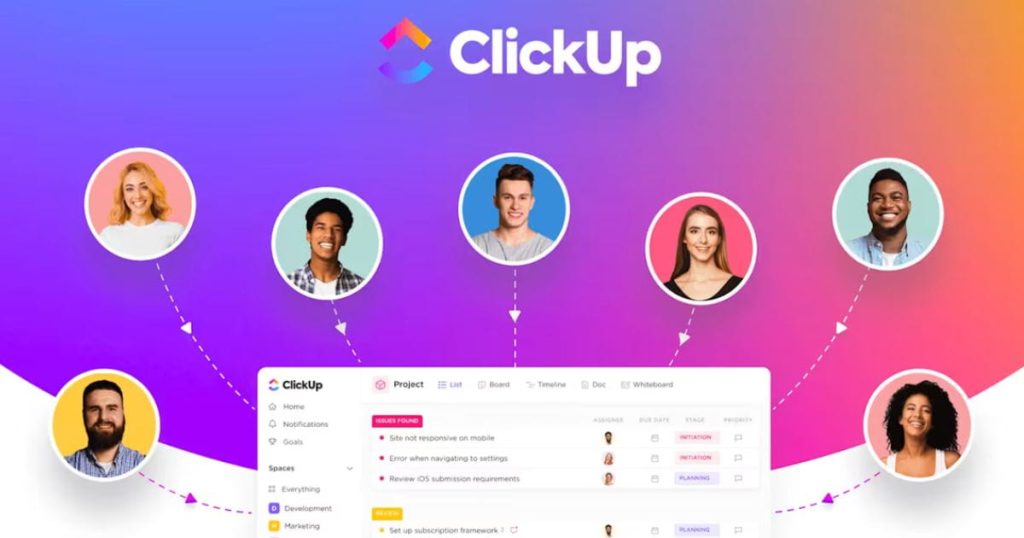
ClickUp goes far beyond time tracking it’s a complete productivity ecosystem. With task management, calendars, goals, docs, and countless integrations all in one place, it’s designed to replace multiple apps and centralize your workflow.
Key Features
- Tasks & Sub tasks: Organize every project detail in a clear, structured way
- Time Tracking & Goals: Track work time directly inside tasks and set measurable goals
- Multiple Views: Choose from Kanban boards, Gantt charts, list views, and more
- Automation & Templates: Save time by reducing repetitive tasks
- Integrations: Connect seamlessly with Slack, Zoom, Google Workspace, and hundreds of other tools
Who ClickUp Works Best For
ClickUp is ideal for teams handling complex projects that need centralized task management and a highly customizable workspace. Personally, I’ve found it invaluable when managing multiple projects at once it keeps everything organized without the chaos of switching between five different apps. For anyone looking for a robust, all in one productivity tool, ClickUp truly delivers.
| Feature | Toggl | ClickUp |
|---|---|---|
| Time Tracking | Excellent | Good |
| Task Management | Basic | Excellent |
| Reporting | Strong | Very Strong |
| Integrations | Moderate | Extensive |
| Ease of Use | Very Easy | Moderate (Steep Learning Curve) |
| Best For | Freelancers & small teams | Teams & complex project workflows |
Practical Tips for Choosing Between Toggl and ClickUp
When deciding between Toggl vs ClickUp, it’s important to match the tool to your workflow. If your main focus is tracking time accurately and simply, Toggl is perfect. But if you need task management, collaboration, and time tracking all in one, ClickUp is the better fit.
Evaluate Team Size: For solo users or small teams, Toggl’s simplicity keeps things quick and stress-free. Larger teams benefit from ClickUp’s structured environment, where projects, tasks, and timelines can be managed in one centralized workspace.
Consider Budget: Toggl offers a free plan with essential time-tracking features, while ClickUp’s paid plans unlock advanced project management tools. Choose the one that gives the most value for your team’s needs.
Try Before Committing: Both tools provide free trials or premium options, so the smartest approach is to test them with your actual workflow. This helps you see which tool truly saves time and boosts productivity.
Common Misconceptions
A lot of people assume that Toggl is only for freelancers, but that’s far from the truth. Teams of all sizes rely on it to understand how time is spent, identify bottlenecks, and improve overall workflow. It’s not just a solo tool it’s a team productivity booster in disguise.
Similarly, some think ClickUp is too complicated. At first, it can feel overwhelming, but once you explore its customizable features, it adapts to any workflow. And a common myth is that time tracking alone improves productivity it doesn’t. Tools like Toggl are most effective when paired with insights and actionable changes, helping you actually get more done instead of just measuring activity.
FAQs
Can I use Toggl and ClickUp together?
Absolutely. Many teams use Toggl for time tracking and ClickUp for task management, integrating both tools to create a smoother, more efficient workflow getting the best of both worlds without relying on just one platform.
Which tool is easier for beginners?
Toggl stands out for its simplicity and plug and-play ease, letting you track time instantly. ClickUp takes a bit more setup, but its powerful, long term features make it ideal for managing complex projects and growing teams.
Which is better for remote work in 2026?
It depends on your needs. Toggl is ideal for remote workers who want to track and understand their personal time, while ClickUp helps remote teams coordinate tasks, manage projects, and meet deadlines efficiently.
Sum Up
If your main goal is tracking hours and personal productivity, Toggl is lightweight, fast, and perfect for solo workdays where you need clear visibility of your time. For team collaboration, project management, and integrated productivity, ClickUp is a powerhouse, keeping tasks, projects, and deadlines organized in one place.
Some even use both Toggl for precise time tracking, ClickUp for managing projects which gives the ultimate productivity balance. At the end of the day, the best tool is the one that fits your workflow, team size, and goals. Test free trials and choose what truly saves time and reduces stress.








Leave a Reply